
PowerPoint presentations have become an essential tool for communication in both professional and educational settings. Whether you’re delivering a business pitch, teaching a class, or presenting research findings, a well-crafted PowerPoint can make all the difference. In this guide, we’ll explore the key elements of creating effective and visually appealing PowerPoint presentations.First, let’s discuss the importance of planning your presentation. Before you even open PowerPoint, take the time to outline your content. Consider the following steps:
- Define your objective: What do you want your audience to learn or do?
- Know your audience: Tailor your content to their level of understanding.
- Structure your flow: Create a logical sequence for your information.
- Gather your materials: Collect all necessary data, images, and references.
Once you’ve planned your content, it’s time to focus on design. The visual aspect of your PowerPoint presentation is crucial for maintaining audience engagement. Here are some design best practices:
- Use a consistent color scheme throughout your slides
- Limit text on each slide – aim for no more than 6 lines of text
- Choose readable fonts and maintain consistent font sizes
- Incorporate high-quality images and graphics
- Use white space effectively to avoid clutter
When it comes to slide content, remember that less is often more. Each slide should convey one main idea. Here’s a recommended structure for individual slides:
- Clear, concise title that summarizes the slide’s content
- Supporting visual (chart, graph, or image)
- Brief bullet points or a short paragraph of explanation
- Optional: call-to-action or key takeaway
Animation and transitions can enhance your PowerPoint presentation when used judiciously. However, overuse can be distracting. Follow these guidelines:
- Use simple transitions between slides
- Apply animations only to emphasize important points
- Keep animation timing consistent
- Avoid flashy or gimmicky effects
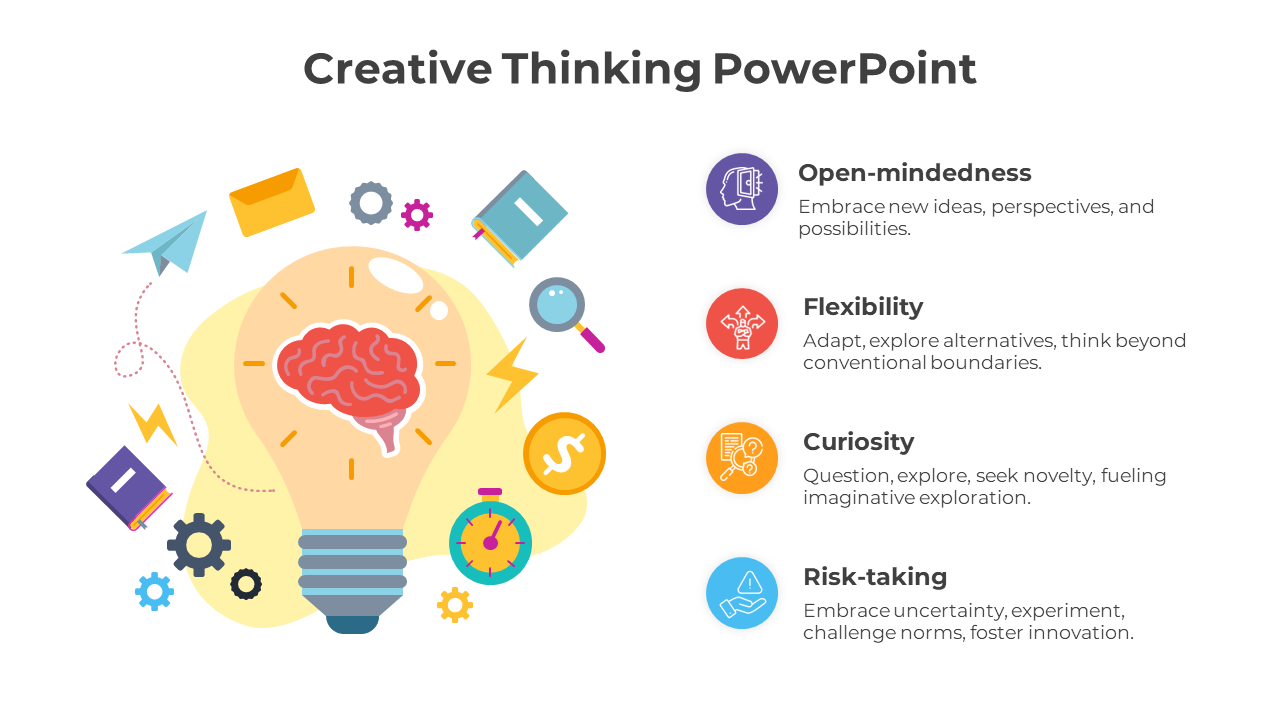
Delivery is just as important as the slides themselves. Practice these presentation techniques:
- Rehearse your presentation multiple times
- Time yourself to ensure proper pacing
- Prepare for potential questions
- Make eye contact with your audience
- Use a remote clicker to advance slides smoothly
For advanced PowerPoint users, consider these additional features that can elevate your presentations:
- Embed multimedia (videos, audio clips)
- Create interactive elements with hyperlinks
- Use the Presenter View for notes and timing
- Incorporate data visualization tools
- Explore PowerPoint add-ins for specialized functions
Accessibility should never be an afterthought in PowerPoint presentations. Ensure your slides are inclusive by:
- Using high contrast colors for better visibility
- Adding alt text to all images
- Choosing large, readable fonts
- Providing transcripts for audio/video content
- Testing your presentation with screen readers
Finally, let’s discuss some common pitfalls to avoid in PowerPoint presentations:
- Reading directly from your slides
- Using too much text or complex jargon
- Overloading slides with information
- Ignoring the importance of practice
- Forgetting to check technical requirements beforehand
By following these guidelines, you can create PowerPoint presentations that are both visually stunning and highly effective at communicating your message. Remember that great presentations are a combination of thoughtful content, smart design, and confident delivery. With practice and attention to these principles, you’ll be able to craft presentations that captivate your audience and achieve your objectives.